Power Conversion: a power system anyone can troubleshoot
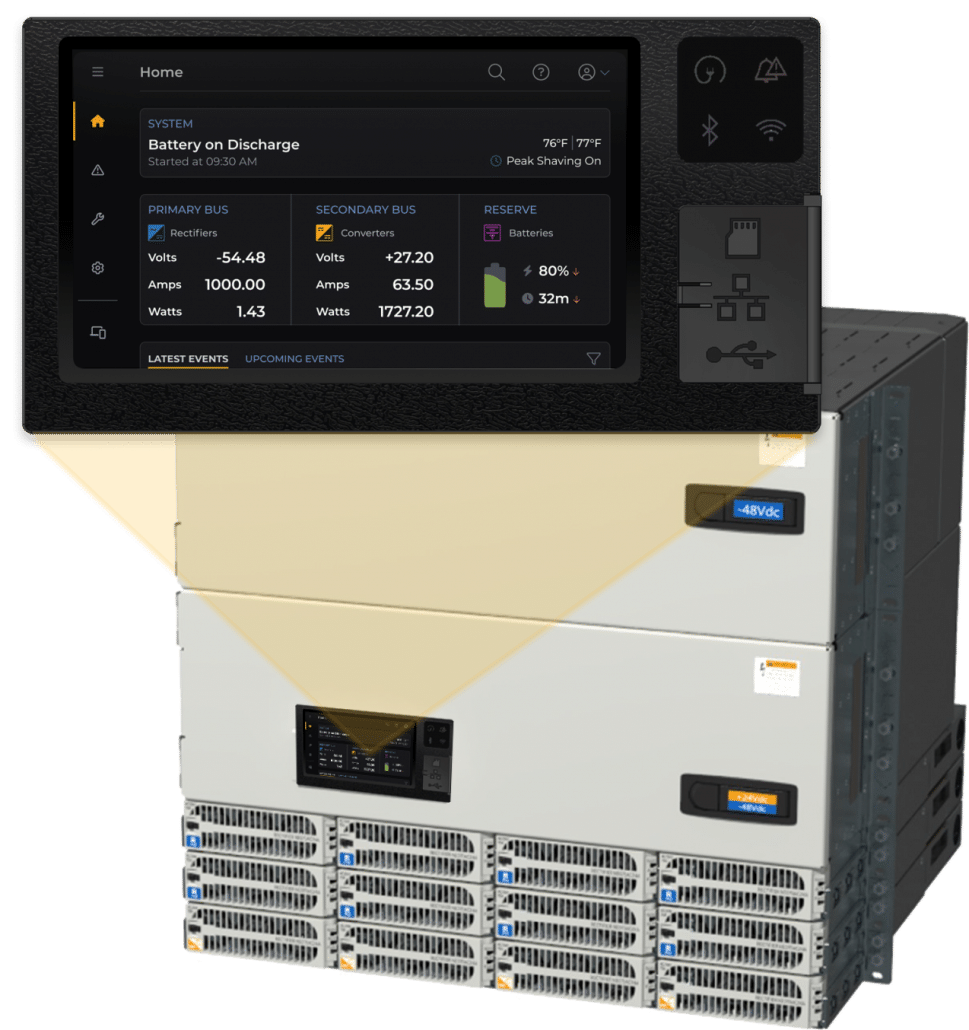
Redesigning the interfaces of a next-generation power converter across its hardware panel, web and mobile apps, so even inexperienced technicians can understand the system and fix issues in an emergency.
Used in emergencies, by people who may never have seen it before
The power converter is often operated during emergencies by technicians who aren’t familiar with the device, or even with the subject matter. The existing interface was dense and hard to navigate, and its alarm messages were cryptic.
Our goal was to make the system clear and consistent on every surface, from the panel on the cabinet to the web and mobile apps.
Challenge 1
Clearer navigation
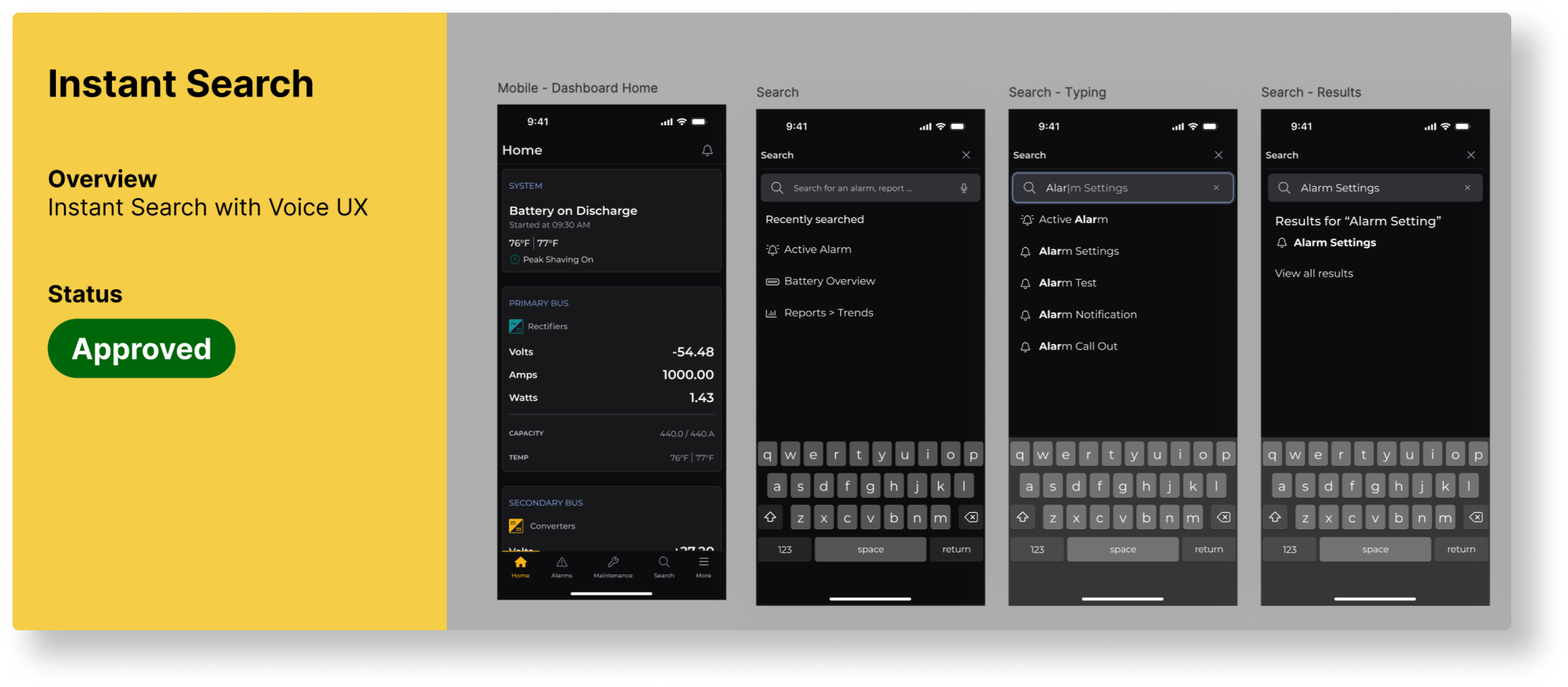
Modernize the menu and offer several intuitive ways to find information.
Challenge 2
Consistent across devices
Make the product look and work the same on the hardware panel, web and mobile.
Challenge 3
Simple for first-timers
Make troubleshooting simple and direct for technicians under pressure.
02 · Research
Learning a new industry fast
How the power industry works and how power flows through the controller
Most users turned out to be men over 50 who wear reading glasses, are sometimes color blind and work with large, sometimes dirty hands. That shaped every decision.
03 · Key decisions
What we designed, and why
Decision 01
Designed for real eyes and hands
What we found
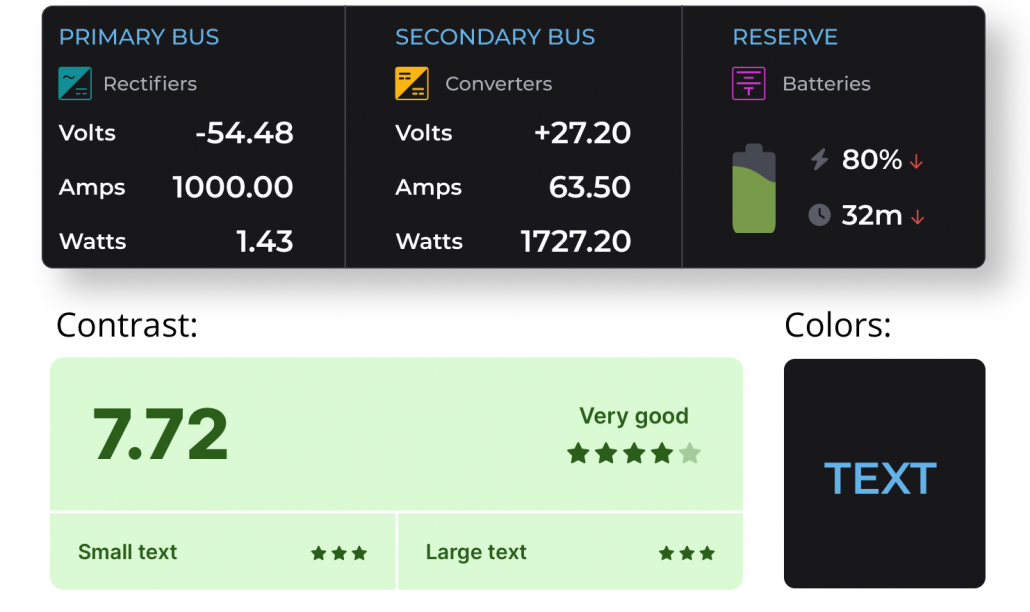
Many users have reduced vision or color blindness and operate the panel in tough conditions.
What we designed
High-contrast, color-safe visuals and larger, clearer text, so every interface is readable regardless of age or vision.
Decision 02
Navigation that groups what belongs together
What we found
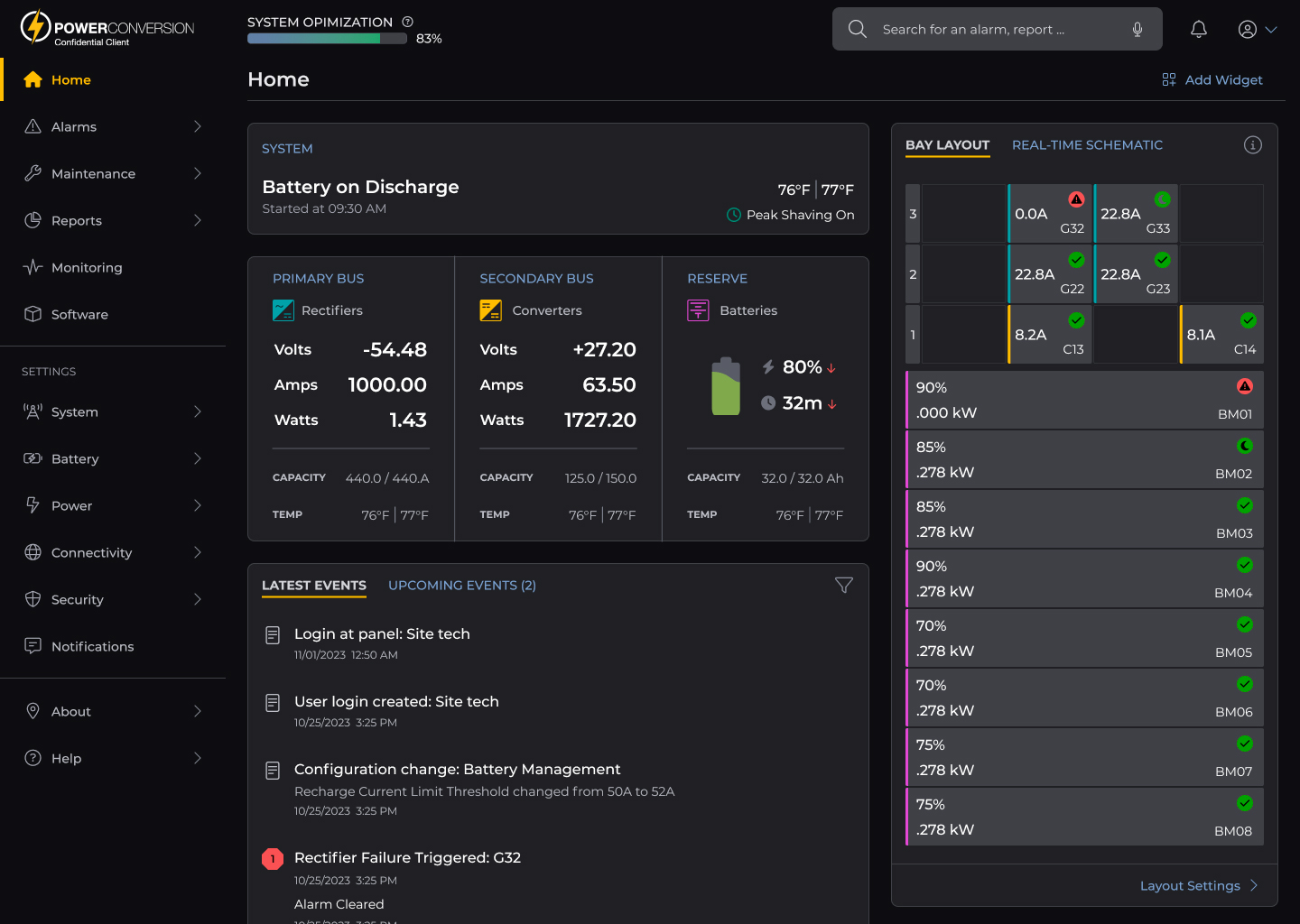
The old interface was a dense wall of data tables, which made it hard to understand the system or find settings.
What we designed
Consolidated options, related functions grouped together and overview screens that show the state of the whole system at a glance.
Decision 03
One design system for panel, web and mobile
What we found
Three platforms risked becoming three different experiences.
What we designed
A comprehensive, documented design system that keeps every interface consistent and made handoff to development faster and more accurate.
Decision 04
Alarms anyone can act on
What we found
Most users told us alarm messages were cryptic, misleading and sometimes inaccurate.
What we designed
Rewritten alarm messages that even inexperienced technicians understand, plus a step-by-step troubleshooting wizard to fix issues without calling tech support.
Outcome
Easier to use, even under pressure
By consolidating options, grouping related functions and adding overview screens, we made the system much easier to navigate and understand. Putting accessibility first made every interface clearer and more welcoming for all users, regardless of age or vision.

 A team project at